
Key facts
- Brand
- Philips
- Model
- PVD778
- Category
- Television
- Industry
- Appliances
- Documents
- 2
- Languages
- EN
- Last added
- 2012-03-26
Start here
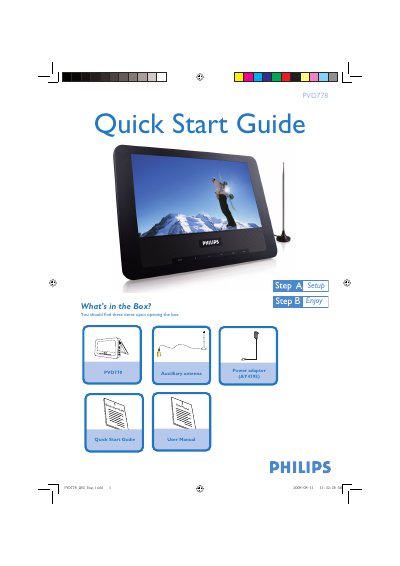
Philips PVD778 Quick Start Guide
This Quick Start Guide provides step‑by‑step instructions for getting the Philips PVD778 television up and running. It includes a checklist of items in the box, placement tips, and how to connect the antenna and power adaptor.
The guide also explains how to switch on the TV, select the on‑screen display language, choose the correct regional settings, and perform an automatic channel search. Detailed playback features are referenced in the accompanying user manual.
Philips PVD778 specifications
| TV system | PAL/SECAM/NTSC (45.25‑863.75 MHz) |
|---|---|
| Speaker output | 2 × 0.5 W RMS |
| Dimensions | 19 × 14 × 3.3 cm (7.5 × 5.5 × 1.3 in) |
| Weight | 0.5 kg / 1.1 lb |
| Power supply | DC 12 V 1 A |
| Power consumption | ≤ 10 W |
| Operating temperature range | 0 °C – 45 °C (32 °F – 122 °F) |
All Philips PVD778 documents by type
Day-to-day operation, settings and troubleshooting. Start here if the product is already set up.
The shortest path to a working setup, usually only a few pages.
Questions answered in these manuals
How do I start an automatic channel search?
Press SETUP repeatedly, select AUTO SEARCH, then press 1 or 2 to start auto search.
How do I set the on‑screen display language?
Press the SETUP button repeatedly until the SETUP menu is highlighted, then press 3 or 4 to select LANGUAGE and choose the desired language.
How do I turn the TV on?
Slide the POWER ON/OFF switch to the ON position; the green LED next to the SETUP button will light up.