
This is a quick start guide that introduces how to connect the antenna and power, and how to set the TV's language and channels.
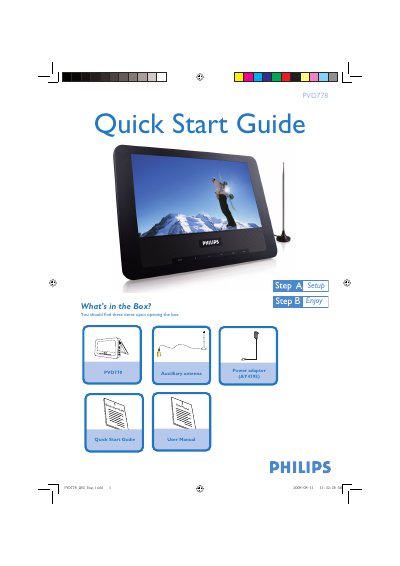
This Quick Start Guide provides step‑by‑step instructions for getting the Philips PVD778 television up and running. It includes a checklist of items in the box, placement tips, and how to connect the antenna and power adaptor.
The guide also explains how to switch on the TV, select the on‑screen display language, choose the correct regional settings, and perform an automatic channel search. Detailed playback features are referenced in the accompanying user manual.
| Power adaptor model | AY4195 |
|---|
Press SETUP repeatedly, select AUTO SEARCH, then press 1 or 2 to start auto search.