
This is a user manual for PVD778 TV
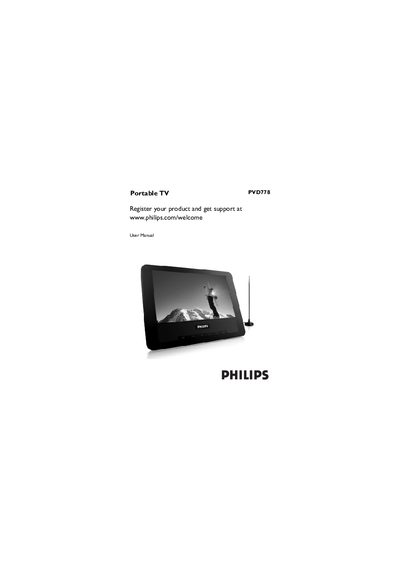
This manual introduces the Philips PVD778 portable television, covering general safety guidelines, unpacking instructions, and an overview of the TV's keys and connectors. It guides you through getting started, including antenna connection, power supply setup, and basic operation such as turning the TV on and selecting the on‑screen display language.
Further sections describe additional TV functions, audio/video input options, troubleshooting tips, and a technical data sheet with specifications like TV system compatibility, speaker output, dimensions, power consumption and operating temperature range.
| TV system | PAL/SECAM/NTSC (45.25‑863.75 MHz) |
|---|---|
| Speaker output | 2 × 0.5 W RMS |
| Dimensions | 19 × 14 × 3.3 cm (7.5 × 5.5 × 1.3 in) |
| Weight | 0.5 kg / 1.1 lb |
| Power supply | DC 12 V 1 A |
| Power consumption | ≤ 10 W |
| Operating temperature range | 0 °C – 45 °C (32 °F – 122 °F) |
Press the SETUP button repeatedly until the SETUP menu is highlighted, then press 3 or 4 to select LANGUAGE and choose the desired language.
Slide the POWER ON/OFF switch to the ON position; the green LED next to the SETUP button will light up.