
Key facts
- Brand
- Philips
- Model
- 6FF3FP
- Documents
- 2
- Languages
- EN · ZH
- Last added
- 2012-03-13
Start here
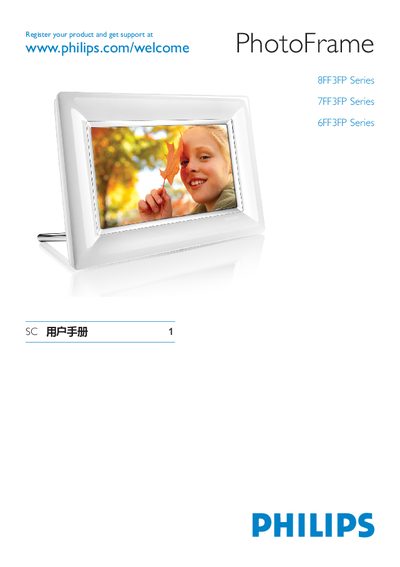
Philips PhotoFrame 8FF3FP/7FF3FP/6FF3FP User Manual
This manual explains how to register your Philips PhotoFrame series at the Philips support website and provides basic safety and warranty information. It includes an overview of the PhotoFrame hardware, display features, and the supported connections.
The guide details the supported storage media (SD, MMC, MMC+, USB), power requirements, operating temperature and humidity ranges, and environmental protection information for the built‑in battery. It also contains troubleshooting tips and contact information for service support.
Philips 6FF3FP specifications
| Display area | 162 W × 121.5 H mm |
|---|---|
| Resolution | 800 × 600 pixels |
| Dimensions (with stand) | 244.6 × 167.4 × 121.1 mm |
| Weight | 0.553 kg |
| Operating temperature range | 0 °C to 40 °C |
| Supported storage cards | SD, MMC, MMC+, xD, MS |
Source: PHILIPS 8FF3FP Series 7FF3FP Series 6FF3FP Series PhotoFrame user manual
All Philips 6FF3FP documents by type
Day-to-day operation, settings and troubleshooting. Start here if the product is already set up.
Questions answered in these manuals
How do I register my Philips PhotoFrame?
You can register the product at the Philips support website: www.philips.com/welcome.
What storage media are supported by the PhotoFrame?
The PhotoFrame supports SD, MMC, MMC+, and USB storage devices.
What types of storage cards are supported?
The PhotoFrame supports SD, MMC, MMC+, xD and MS cards.
From: PHILIPS 8FF3FP Series 7FF3FP Series 6FF3FP Series PhotoFrame user manual
What is the operating temperature range?
The device operates from 0 °C to 40 °C.
From: PHILIPS 8FF3FP Series 7FF3FP Series 6FF3FP Series PhotoFrame user manual