
Key facts
- Brand
- Philips
- Model
- AJ3540
- Documents
- 3
- Languages
- ZH · EN
- Last added
- 2012-02-28
Start here
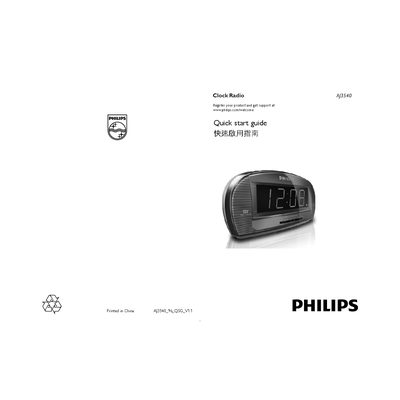
Philips AJ3540 Clock Radio Quick Start Guide
Quick Start Guide 2 pages · 247 KB · EN
This guide provides the essential steps to get the Philips AJ3540 clock radio up and running. It covers battery installation, connecting to mains power, and switching the device on.
Key functions include setting the clock and up to two alarms, selecting alarm modes, and using the built‑in sleep timer that automatically powers off the radio after a set period.
Philips AJ3540 specifications
| Standby power consumption | 2 W |
|---|---|
| Backup battery type | 9 V 6F22 |
| Frequency bands | FM/MW |
| Brightness levels | High or Low |
All Philips AJ3540 documents by type
Quick Start Guide 1
The shortest path to a working setup, usually only a few pages.
User Manual 1
Day-to-day operation, settings and troubleshooting. Start here if the product is already set up.
Questions answered in these manuals
How many alarm times can be set?
The clock radio provides two independent alarm times.
How does the repeat snooze function work?
Press the repeat snooze button and the alarm will sound again every nine minutes until turned off.