
Key facts
- Brand
- Philips
- Model
- AJ3112
- Category
- Player
- Industry
- Appliances
- Documents
- 2
- Languages
- EN · ZH
- Last added
- 2012-03-13
Start here
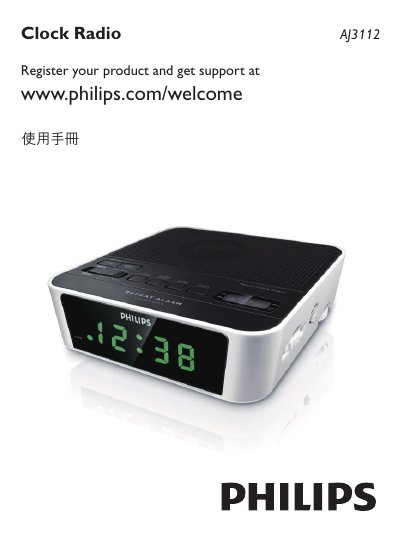
Philips AJ3112 Clock Radio User Manual
This manual provides step‑by‑step instructions for using the Philips AJ3112 clock radio, including how to set the time, configure alarm modes, and operate the FM/MW radio. It also covers power connection, battery backup installation, and sleep timer settings.
Safety guidelines, troubleshooting tips, and technical specifications are included to help users maintain reliable operation and comply with environmental disposal requirements. This manual is written in Chinese.
Philips AJ3112 specifications
| AC Power | 220 V / 50 Hz |
|---|---|
| Power Consumption | Active 5W, Standby <2W |
| Dimensions | 130.4 x 130 x 46.8 (mm) |
| Weight | 0.44 kg |
All Philips AJ3112 documents by type
Day-to-day operation, settings and troubleshooting. Start here if the product is already set up.
Questions answered in these manuals
How do I set the clock and alarm time on the AJ3112?
Hold down CLOCK or ALARM, then press HR or MIN repeatedly or hold them to adjust the time. Release when done.
What are the two alarm modes available?
You can choose between radio alarm mode or buzzer alarm mode by adjusting RADIO / ALARM to RADIO or BUZZ.
How do I set the alarm time?
Press the ALARM button, then adjust the hour and minute using the HR and MIN controls; release the buttons when the desired time is set.
What battery is required for backup power?
A 9‑volt 6F22 battery (not supplied) is used as a backup power source for the clock.