
This is a user manual for the Philips AJ3540 clock radio, which provides information on the product's features and operation.
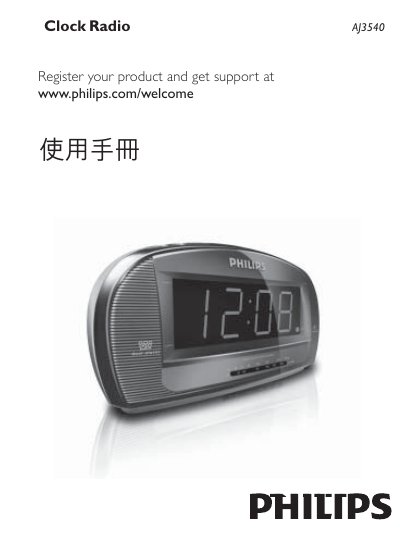
The Philips AJ3540 is a clock radio with dual alarms, FM/MW reception, a sleep timer, and a 9V battery backup that preserves clock and alarm settings for up to one day during power outages. The manual explains the control layout, power connection, display brightness selection, and battery installation.
It provides step‑by‑step instructions for setting the 12‑hour clock, configuring one or two alarms with either radio or buzzer modes, using the repeat‑alarm (snooze) function, and setting the sleep timer up to 59 minutes. A troubleshooting section addresses common issues such as no sound, poor reception, and alarm failures, while safety and environmental information cover placement, ventilation, cleaning, and disposal. This manual is written in Chinese.
| Standby power consumption | 2W |
|---|---|
| Backup battery type | 9V 6F22 |
| Clock display format | 12‑hour |
Press and hold the SET TIME/ALARM OFF button, then repeatedly press or hold TIME SET 3 (forward) or TIME SET 4 (backward) to adjust minutes and hours. Release both buttons when the correct time is shown.
A 9V 6F22 battery (not included) installed in the battery compartment maintains the clock and alarm settings for up to one day during a power outage. All displays turn off until power returns.
Set the OFF/ON/AUTO/BUZZ switch to OFF, then press the SLEEP button. Hold it to count down from 59 minutes to 0. Press SET TIME/ALARM OFF to cancel the sleep timer.