
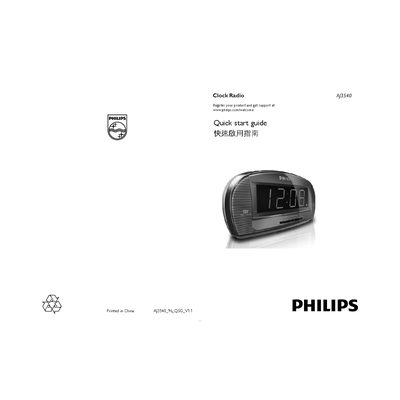
Philips AJ3540 Clock Radio Quick Start Guide


Philips AJ3540 Clock Radio Quick Start Guide - cover page
Brand
Philips
Category
Clocks and Timers
Document type
Quick Start Guide
Language
English
Pages
2
File format
PDF
File size
247 KB
Published
19 September, 2011
Updated
29 September, 2023
Model
AJ3540
MD5 checksum
A5ACD1FEDD02F35D83AC8129FACD6CD1

About this manual

The Philips AJ3540 is a clock radio featuring dual alarm settings and a built-in sleep timer. It supports battery backup to maintain clock memory during power outages.

What's inside

  • Power and switch on the radio
  • Setting the Clock & Alarm times
  • Setting the Alarm mode
  • Special feature: SLEEP

Specifications

Backup Battery Type9 volts 6F22

Frequently asked questions

How do I set the time or alarm on the Philips AJ3540?

Hold down the SET TIME/ALARM OFF, SET ALARM 1, or SET ALARM 2 button, then use the TIME SET 3 or 4 buttons to adjust the hour and minute.

How does the sleep timer work?

Set the OFF/ON/AUTO/BUZZ switch to OFF and press the SLEEP button; the display will count down from 0:59 to 0:00 minutes.

Download PDF (247 KB)

More Philips Manuals


View all Philips manuals →