
Key facts
Start here
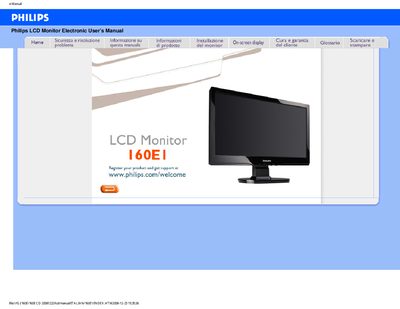
Philips LCD Monitor Electronic 160EI User Manual
This manual covers safety precautions, proper handling, and maintenance of the Philips 160E LCD monitor. It explains how to avoid electrical and mechanical hazards, how to clean the screen, and how to store the unit safely.
The document also includes detailed installation instructions, driver download procedures, and a comprehensive FAQ section that addresses common issues such as video mode errors, refresh‑rate questions, and screen‑adjustment settings. This manual is written in Italian.
Philips 160EI specifications
| Operating Temperature | 0 °C – 40 °C (32 °F – 104 °F) |
|---|---|
| Relative Humidity | 20 % – 80 % RH |
| Native Resolution | 1366 × 768 @ 60 Hz |
| Panel Technology | TFT LCD |
All Philips 160EI documents by type
Day-to-day operation, settings and troubleshooting. Start here if the product is already set up.
Questions answered in these manuals
What should I do when the monitor shows “Impossibile visualizzare questa modalita video”?
Set the video mode to 1366 × 768 @ 60 Hz, disconnect and reconnect the cables, adjust the Windows display settings, and restart the PC.
What does “tempo di aggiornamento” (refresh rate) mean for an LCD monitor?
For LCD monitors the refresh rate is less critical than for CRTs; the display shows a stable image at 60 Hz without noticeable flicker.
How should I clean the LCD screen?
Use a soft, lint‑free cloth; avoid solvents such as alcohol or strong cleaning liquids.