
Key facts
Start here
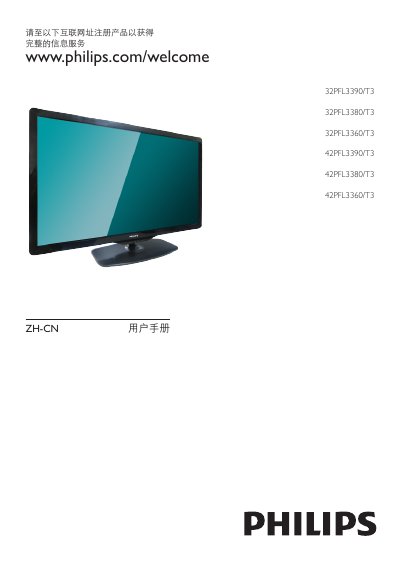
Philips 32PFL3390/T3, 32PFL3380/T3, 32PFL3360/T3, 42PFL3390/T3, 42PFL3380/T3, 42PFL3360/T3 User Guide
This user guide explains how to install, power on, and operate Philips 32‑inch and 42‑inch LCD televisions. It covers basic functions such as turning the TV on/off, changing channels, adjusting volume, and using the remote control, as well as advanced features like picture formats, audio settings, and Smart TV functions.
Safety instructions, warranty information, and detailed troubleshooting steps are included to help avoid damage, ensure proper ventilation, and resolve common issues such as no picture, sound problems, HDMI connectivity, and remote‑control errors. This manual is written in Chinese.
Philips 32PFL3390 specifications
| Dimensions (without stand) – 32‑inch models | 760.9 × 479.5 × 49.9 mm |
|---|---|
| Weight (without stand) – 32‑inch models | 8.17 kg |
| Dimensions (with stand) – 32‑inch models | 760.9 × 528.0 × 221.0 mm |
| Weight (with stand) – 32‑inch models | 10.01 kg |
| Dimensions (without stand) – 42‑inch models | 994.1 × 611.1 × 39.9 mm |
| Weight (without stand) – 42‑inch models | 13.31 kg |
| Passive standby power | ≤ 0.50 W |
| Energy efficiency class | Class 2 |
All Philips 32PFL3390 documents by type
Day-to-day operation, settings and troubleshooting. Start here if the product is already set up.
Questions answered in these manuals
What should I do if the TV does not turn on?
Unplug the power cord, wait about a minute, then plug it back in and ensure the power cable is firmly connected.
What is the screen size of the Philips 32PFL3390 TV?
The screen measures 32 inches (81 cm) diagonally.
How many HDMI ports does the TV have?
It has two HDMI ports, both supporting HDMI 1.3.