
PHILIPS 52PFL7803 42PFL7803 42PFL7603 52PFL7403 42PFL7403 52PFL5403 47PFL5403 42PFL5403 32PFL5403 42PFL5203 32PFL5203 42PFL3403 32PFL3403 user manual

This document provides information about a range of Philips products, including models such as 52PFL7803, 42PFL7803, 42PFL7603, 52PFL7403, 42PFL7403, 52PFL5403, 47PFL5403, 32PFL5403, 42PFL5203, 32PFL5203, 42PFL3403, and 32PFL3403.
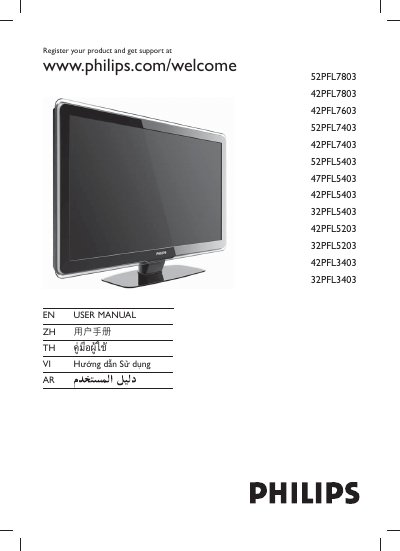

PHILIPS 52PFL7803 42PFL7803 42PFL7603 52PFL7403 42PFL7403 52PFL5403 47PFL5403 42PFL5403 32PFL5403 42PFL5203 32PFL5203 42PFL3403 32PFL3403 user manual - cover page
Brand
Philips
Category
Other
Document type
User Manual
Language
Chinese
Pages
46
File format
PDF
File size
4.7 MB
Published
13 March, 2012
Updated
28 September, 2023
MD5 checksum
5A82E791251AB5D430E5BF13402FB5E6

About this manual

This manual covers the registration process, safety information, and basic operation of Philips televisions. It provides step‑by‑step guidance for powering the TV, selecting channels, navigating menus, adjusting volume, and using special features such as Sleep mode and Ambilight.

Additional sections describe remote‑control functions, VESA mounting standards, warranty information, and how to obtain support through the Philips website. This manual is written in Chinese.

What's inside

  • Product Registration
  • Safety Information
  • Remote Control Overview
  • Power and Channel Controls
  • Menu Navigation
  • Volume Adjustment
  • Sleep Mode
  • Ambilight Feature
  • Warranty and Support

Frequently asked questions

How can I register my Philips TV?

Visit www.philips.com/welcome and follow the registration instructions.

Which buttons adjust the volume?

Use the VOLUME +/- buttons on the remote control.

How do I change channels on the TV?

Press the CHANNEL +/- buttons on the remote control.

What is the Ambilight feature?

Ambilight provides ambient lighting that matches the on‑screen content.

Download PDF (4.7 MB)

More Philips Manuals


View all Philips manuals →