
Philips 52PFL7803 Display User Manual

This document is a user manual for Philips TV products, including various models of TVs, and provides information on the features and usage guidelines of the products.
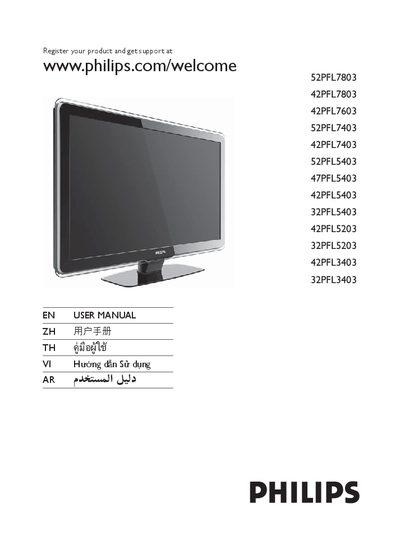

Philips 52PFL7803 Display User Manual - cover page
Brand
Philips
Category
Monitor
Document type
User Manual
Language
English
Pages
46
File format
PDF
File size
4.6 MB
Published
13 March, 2012
Updated
29 September, 2023
MD5 checksum
7D8D34E0594DF80A5D70A7C70D2F3C11

About this manual

This user manual begins with product registration information, directing owners to register their display and obtain support at www.philips.com/welcome. It also includes safety notices and copyright details.

The manual lists the on‑screen controls for the television, such as Power, Channel, Menu, Volume, Source, and the Ambilight feature, with the corresponding button functions and adjustment ranges.

What's inside

  • Product Registration
  • Power Control
  • Channel Selection
  • Menu Navigation
  • Volume Adjustment
  • Source Selection
  • Ambilight Feature
  • Safety Information

Frequently asked questions

How do I register my Philips display for support?

You can register your product and get support at www.philips.com/welcome.

How can I change the channel on the TV?

Press the CHANNEL +/- button to change channels.

Where is the source selection control located?

The SOURCE control is listed as item 3 in the control list.

Download PDF (4.6 MB)

More Philips Manuals


View all Philips manuals →