
This is an electronic user's manual for Philips LCD Monitor. It mainly introduces safety precautions, maintenance methods, FAQs, troubleshooting methods and other related information.
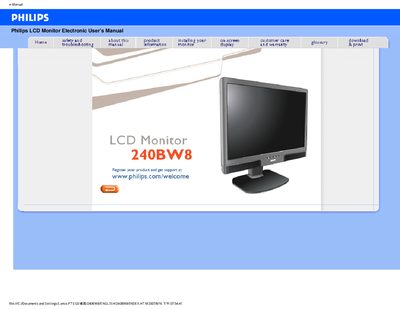
This manual covers safety precautions, maintenance, and troubleshooting for the Philips 240BW8 LCD monitor. It explains how to avoid electrical hazards, protect the display from physical damage, and clean the screen safely.
It also details the monitor’s features such as 1920x1200 resolution, 60 Hz refresh rate, dual VGA/DVI inputs, built‑in speakers, tilt‑swivel‑height adjustment, and VESA‑mount compatibility, along with environmental specifications and warranty information.
| Resolution | 1920x1200 |
|---|---|
| Refresh Rate | 60 Hz |
| Response Time | 5 ms |
| Inputs | VGA and DVI |
| Built‑in Speakers | Yes |
| Operating Temperature | 0‑40 °C (32‑95 °F) |
| Operating Humidity | 20‑80 % RH |
| Ergonomic Adjustment | Tilt, swivel and height‑adjustable |
Set the video mode to 1920x1200 @ 60 Hz using the Windows Display settings, then restart the computer.
LCD monitors display a stable, flicker‑free image at 60 Hz, and there is no visible difference between higher rates.
Yes, the monitor has standard VESA mount holes that allow wall‑mounting with compatible arms or accessories.
Use a clean, soft cloth for normal cleaning; for extensive cleaning use isopropyl alcohol, and avoid solvents such as acetone or ethanol.