
Key facts
- Brand
- Philips
- Model
- 234CL2
- Documents
- 2
- Languages
- ZH
- Last added
- 2012-02-27
Start here
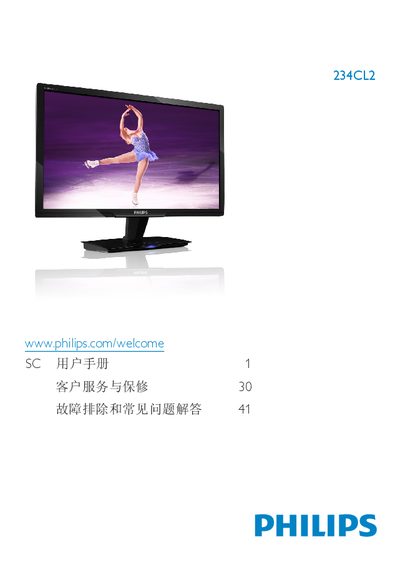
Philips 234CL2 Monitor User Manual
This manual covers important safety measures, proper handling, and disposal of the Philips 234CL2 LCD monitor. It explains how to install the monitor, connect power and video cables, and adjust settings using the on‑screen display (OSD) menu.
The document also details the monitor’s technical specifications, such as panel type, size, resolution, brightness, and power consumption, and provides a comprehensive troubleshooting and FAQ section for common issues like unsupported video modes and image retention. This manual is written in Chinese.
Philips 234CL2 specifications
| Resolution | 1920 x 1080 @60 Hz |
|---|---|
| Operating Temperature | 0‑40 °C |
| Operating Humidity | 20‑80 % RH |
| Color Temperature Options | 5000K, 6500K, 7500K, 8200K, 9300K, 11500K |
All Philips 234CL2 documents by type
Day-to-day operation, settings and troubleshooting. Start here if the product is already set up.
Questions answered in these manuals
How should I clean the LCD surface?
Use a dry soft cloth for routine cleaning; for deeper cleaning use a small amount of isopropyl alcohol, avoiding other solvents such as ethanol, acetone or hexane.
Can I adjust the monitor's color settings?
Yes. Use the OSD menu to select Color → Color Temperature, where you can choose from six preset temperatures or define a custom setting.
How can I clean the LCD screen?
Wipe the screen with a dry soft cloth; for deeper cleaning use a slightly damp cloth with isopropyl alcohol, avoiding regular alcohol, ethanol, acetone, or other solvents.