
This document is a user manual for Philips monitors, which includes installation, operation, product information, customer service, and warranty.
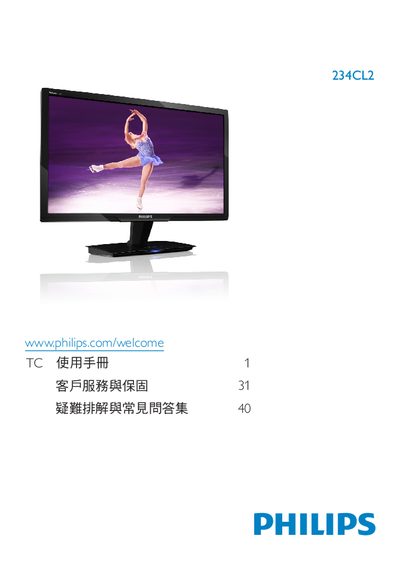
This manual covers safety measures, warranty information, and proper handling of the Philips 234CL2 monitor. It explains how to install the monitor, connect it to a computer via HDMI, VGA or DC power, and operate the on‑screen display (OSD) menu.
Additional sections describe the monitor’s technical specifications, color‑temperature settings, cleaning procedures, and common troubleshooting topics such as image retention, ghosting, and compatibility with PCs, Macs and workstations. This manual is written in Chinese.
| Resolution | 1920 x 1080 @60 Hz |
|---|---|
| Operating Temperature | 0‑40 °C |
| Operating Humidity | 20‑80 % RH |
| Color Temperature Options | 5000K, 6500K, 7500K, 8200K, 9300K, 11500K |
Use a dry soft cloth for routine cleaning; for deeper cleaning use a small amount of isopropyl alcohol, avoiding other solvents such as ethanol, acetone or hexane.
Yes. Use the OSD menu to select Color → Color Temperature, where you can choose from six preset temperatures or define a custom setting.
Yes. The monitor works with standard PCs, workstations and Macs; a Mac may require an appropriate adapter.
Static images displayed for long periods can cause burn‑in, ghosting or residual images. Use screen savers and periodically refresh the display to avoid it.