
This document is a user manual for Philips monitors, including customer service and warranty, troubleshooting and frequently asked questions.
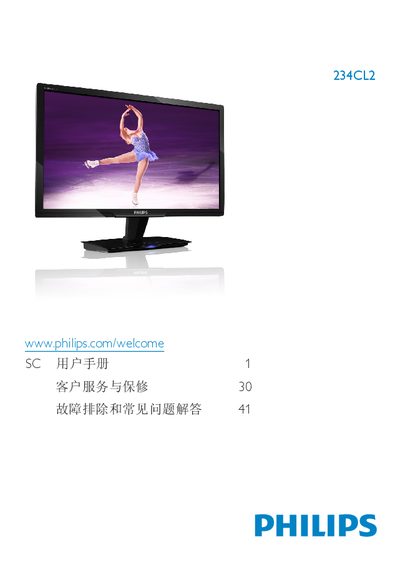
This manual covers important safety measures, proper handling, and disposal of the Philips 234CL2 LCD monitor. It explains how to install the monitor, connect power and video cables, and adjust settings using the on‑screen display (OSD) menu.
The document also details the monitor’s technical specifications, such as panel type, size, resolution, brightness, and power consumption, and provides a comprehensive troubleshooting and FAQ section for common issues like unsupported video modes and image retention. This manual is written in Chinese.
| Panel type | TFT‑LCD |
|---|---|
| Panel size | 23" (58.42 cm) |
| Resolution | 1920 × 1080 @ 60 Hz |
| Brightness | 250 cd/m² |
| Contrast ratio (typical) | 1000:1 |
| Response time (typical) | 2 ms |
| Inputs | HDMI, VGA, DC power |
Wipe the screen with a dry soft cloth; for deeper cleaning use a slightly damp cloth with isopropyl alcohol, avoiding regular alcohol, ethanol, acetone, or other solvents.