
Key facts
Start here
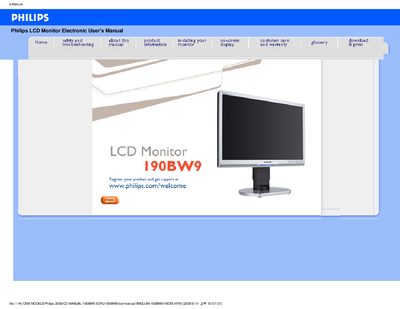
Philips 190BW9 LCD Monitor User Manual
This manual covers safety precautions, proper handling, and maintenance for the Philips 190BW9 LCD monitor. It explains how to install the monitor, adjust display settings, and use features such as SmartImage and VESA mounting.
The document also includes a FAQ section, detailed technical specifications, pin assignments, and Philips' pixel‑defect policy, helping users troubleshoot issues and understand the monitor’s capabilities.
Philips 190BW9 specifications
| Tilt | -5° to +20° |
|---|---|
| Swivel | ±45° |
| Height Adjustment Range | 70 mm |
| Power Supply | 100‑240 VAC, 50/60 Hz |
| Power Consumption | 36 W (typ.) |
| Operating Temperature | 0 °C to 40 °C |
| Storage Temperature | -20 °C to 60 °C |
| Relative Humidity | 20 %‑80 % RH |
| System MTBF | 50 000 hours |
| Resolution | 1680 × 1050 |
| Contrast | 50 % |
| Brightness | max. |
All Philips 190BW9 documents by type
Day-to-day operation, settings and troubleshooting. Start here if the product is already set up.
Questions answered in these manuals
What should I do if the screen shows 'Cannot display this video mode'?
Set the monitor to the recommended video mode of 1680 × 1050 @ 60 Hz, then reconnect the PC and restart.
What does 'refresh rate' mean for an LCD monitor?
LCD monitors display a stable, flicker‑free image at 60 Hz; higher rates do not affect the picture.
Can the monitor be wall‑mounted?
Yes, the monitor has four standard VESA mounting holes for attaching to a VESA‑compatible arm or bracket.