
This document provides safety precautions and troubleshooting information for Philips LCD monitors.
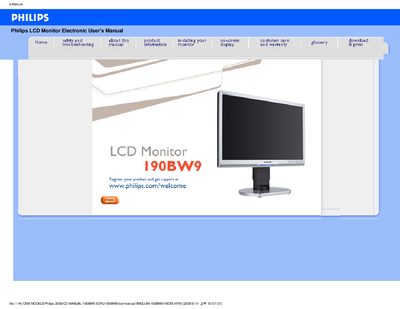
This manual covers safety precautions, proper handling, and maintenance for the Philips 190BW9 LCD monitor. It explains how to install the monitor, adjust display settings, and use features such as SmartImage and VESA mounting.
The document also includes a FAQ section, detailed technical specifications, pin assignments, and Philips' pixel‑defect policy, helping users troubleshoot issues and understand the monitor’s capabilities.
| Tilt | -5° to +20° |
|---|---|
| Swivel | ±45° |
| Height Adjustment Range | 70 mm |
| Power Supply | 100‑240 VAC, 50/60 Hz |
| Power Consumption | 36 W (typ.) |
| Operating Temperature | 0 °C to 40 °C |
| Storage Temperature | -20 °C to 60 °C |
| Relative Humidity | 20 %‑80 % RH |
| System MTBF | 50 000 hours |
| Resolution | 1680 × 1050 |
| Contrast | 50 % |
| Brightness | max. |
Set the monitor to the recommended video mode of 1680 × 1050 @ 60 Hz, then reconnect the PC and restart.
LCD monitors display a stable, flicker‑free image at 60 Hz; higher rates do not affect the picture.
Yes, it has standard VESA mount holes for attaching to compatible VESA arms or accessories.
Open the Windows Display Properties and select the desired resolution, such as 1680 × 1050, then apply the changes.