
This file is the safety and troubleshooting information part of the electronic user manual for Philips 190BW LCD monitor
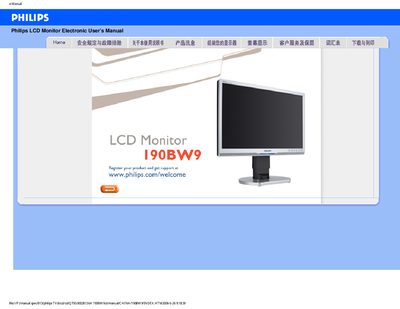
This manual covers safety precautions, proper handling, and environmental limits for the Philips 190BW9 LCD monitor, including temperature (0‑40 °C / 32‑95 °F) and humidity (20‑80 % RH) requirements. It also explains how to install the monitor, connect power, and download driver files.
A large FAQ section answers common questions such as setting the correct resolution (1680×1050 at 60 Hz), cleaning the screen, using the auto‑adjust function, and mounting the monitor on a VESA‑compatible arm. This manual is written in Chinese.
| Operating temperature | 0‑40 °C (32‑95 °F) |
|---|---|
| Relative humidity | 20‑80 % RH |
| Recommended resolution | 1680×1050 @ 60 Hz |
| Refresh rate | 60 Hz |
| VESA mounting holes | 4 standard holes |
Yes, the monitor has four standard VESA mounting holes for attaching to a VESA‑compatible arm or bracket.