
Key facts
- Brand
- Philips
- Model
- 150B6
- Documents
- 2
- Languages
- EN · JA
- Last added
- 2012-03-16
Start here
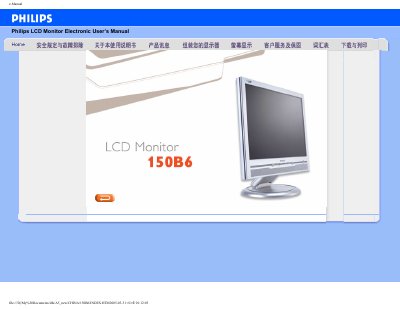
Philips 150B6 LCD Monitor User Manual
This manual covers safety and troubleshooting information for the Philips 150B6 LCD Monitor, including handling precautions, environmental limits, and cleaning instructions. It also explains how to install the monitor, connect power and video sources, and use the optional FP Adjust calibration program.
Product specifications are listed, such as a 15‑inch screen, 1024 × 768 XGA resolution, 450:1 contrast ratio, 250 cd/m² brightness, wide viewing angles, built‑in 3 W speakers, and both D‑Sub (analog) and DVI (digital) video inputs. The document includes download links for printing and software tools.
Philips 150B6 specifications
| Screen size | 15‑inch diagonal |
|---|---|
| Resolution | 1024 × 768 (XGA) |
| Pixel density | 0.297 × 0.297 mm |
| Contrast ratio | 450:1 (typical) |
| Brightness | 250 cd/m² (typical) |
| Viewing angles | Horizontal >60°, Vertical >80° |
| Color depth | 16.2 million colors |
| Refresh rate | Vertical 56‑76 Hz, Horizontal 30‑63 kHz |
| Built‑in speaker power | 3 W total (2 × 1.5 W RMS) |
| Video inputs | D‑Sub (analog) and DVI (digital) |
| Physical dimensions (panel) | 304.1 × 228.1 mm |
All Philips 150B6 documents by type
Day-to-day operation, settings and troubleshooting. Start here if the product is already set up.
Questions answered in these manuals
How should the monitor be cleaned?
Use a dry cloth; do not use organic solvents such as alcohol.
What power cable should be used with the monitor?
Use the qualified Philips power cable supplied with the monitor.