
Key facts
- Brand
- Philips
- Model
- 170A7
- Documents
- 3
- Languages
- EN · ZH
- Last added
- 2012-02-19
Start here
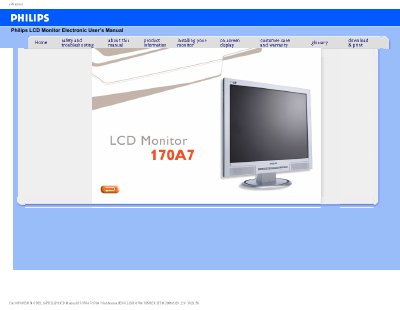
PHILIPS LCD Monitor170A7 Manual
This user manual covers safe handling, installation, and basic operation of the Philips 170A7 LCD monitor. It includes safety precautions, wiring instructions, power‑up procedures, and cleaning recommendations to ensure reliable performance and longevity.
The document also details the monitor’s features, technical specifications, screen‑adjustment options, compatibility with peripherals, and answers common questions such as video‑mode settings, refresh‑rate relevance, wall‑mounting, and cleaning methods.
Philips 170A7 specifications
| Resolution | 1280 x 1024 @ 60 Hz |
|---|---|
| Refresh rate | 60 Hz |
| Operating temperature | 20‑80 °C |
| Operating humidity | 5‑95 % |
All Philips 170A7 documents by type
Day-to-day operation, settings and troubleshooting. Start here if the product is already set up.
Questions answered in these manuals
Why does the monitor display "cannot display this video mode"?
Set the monitor resolution to 1280 × 1024 at 60 Hz to resolve the error.
Can the monitor be mounted using VESA brackets?
Yes, the monitor has four VESA mounting holes compatible with standard brackets.
What should I do if the monitor displays “Cannot display this video mode”?
Set the monitor to the recommended video mode of 1280 × 1024 at 60 Hz.
How can I adjust the resolution?
Use Windows Display Properties to select the desired resolution.