
Key facts
- Brand
- Philips
- Model
- 150S6
- Documents
- 2
- Languages
- ZH
- Last added
- 2011-11-03
Start here
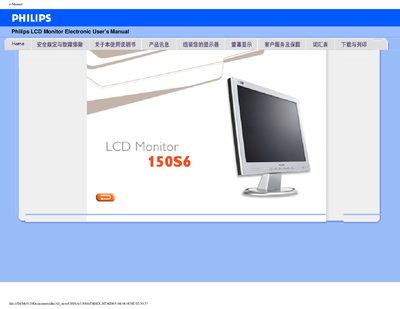
Philips 150S6 LCD Monitor User Manual
This electronic user manual provides safety guidelines, troubleshooting tips, and detailed installation instructions for the Philips 150S6 15‑inch LCD monitor. It also describes how to adjust screen settings, maintain the unit, and obtain warranty support.
The document includes full technical specifications, power‑management features, Energy Star compliance information, and a pixel‑defect policy, plus a glossary of terms and download instructions for drivers and software. This manual is written in Chinese.
Philips 150S6 specifications
| Display size | 15‑inch diagonal |
|---|---|
| Resolution | 1024 × 768 (XGA) |
| Contrast ratio | 450:1 (typical) |
| Brightness | 250 cd/m² (typical) |
| Response time | < 16 ms (typical) |
| Power consumption (on) | < 17 W (typical) |
| Dimensions (W × H × D) | 342 × 344 × 180 mm |
| Weight | 2.7 kg |
| Operating temperature | 5 °C – 40 °C |
| Relative humidity | 20 % – 80 % RH |
All Philips 150S6 documents by type
Day-to-day operation, settings and troubleshooting. Start here if the product is already set up.
Questions answered in these manuals
How long must you wait before reconnecting the power after turning the monitor off?
You must wait 6 seconds before reconnecting the power cord.
What is the recommended way to clean the screen?
Turn the monitor off, unplug it, and use a slightly damp cloth; do not use organic solvents such as alcohol.