
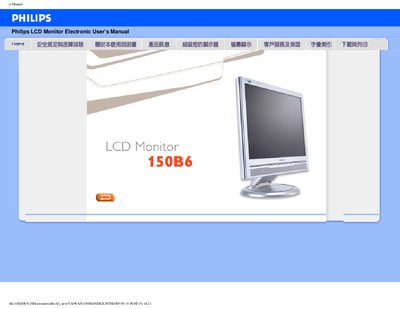
This manual covers safety and troubleshooting information for the Philips 150B6 LCD monitor, including handling, cleaning, and environmental requirements. It also explains how to install the monitor, connect power and video cables, and use the FP Adjust software for fine‑tuning settings.
The document describes the monitor’s features and technical specifications such as panel type, resolution, contrast ratio, viewing angles, and supported video inputs (VGA and DVI‑D). It includes a printable version and instructions for downloading the adjustment utility. This manual is written in Japanese.
| Resolution | 1024 x 768 pixels |
|---|---|
| Pixel pitch | 0.297 x 0.297 mm |
| Contrast ratio | 450:1 (typical) |
| Brightness | 250 cd/m² (typical) |
| Viewing angle (horizontal) | >60° (typical) |
| Refresh rate | 56 Hz – 76 Hz (vertical) |
| Video inputs | VGA (D‑Sub) and DVI‑D |
| Audio output power | 3 W (1.5 W RMS ×2) |
Use a dry cloth; do not use organic solvents such as alcohol.
Use the qualified Philips power cable supplied with the monitor.