
This document is the electronic user manual for Philips LCD monitors. It contains safety and troubleshooting information. The manual provides instructions for connecting and using the monitor, as well as maintenance and repair guidelines.
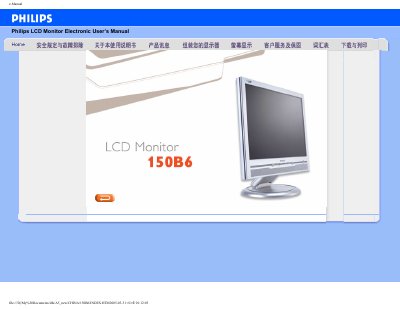
This manual covers safety and troubleshooting information for the Philips 150B6 LCD Monitor, including handling precautions, environmental limits, and cleaning instructions. It also explains how to install the monitor, connect power and video sources, and use the optional FP Adjust calibration program.
Product specifications are listed, such as a 15‑inch screen, 1024 × 768 XGA resolution, 450:1 contrast ratio, 250 cd/m² brightness, wide viewing angles, built‑in 3 W speakers, and both D‑Sub (analog) and DVI (digital) video inputs. The document includes download links for printing and software tools.
| Screen size | 15‑inch diagonal |
|---|---|
| Resolution | 1024 × 768 (XGA) |
| Pixel density | 0.297 × 0.297 mm |
| Contrast ratio | 450:1 (typical) |
| Brightness | 250 cd/m² (typical) |
| Viewing angles | Horizontal >60°, Vertical >80° |
| Color depth | 16.2 million colors |
| Refresh rate | Vertical 56‑76 Hz, Horizontal 30‑63 kHz |
| Built‑in speaker power | 3 W total (2 × 1.5 W RMS) |
| Video inputs | D‑Sub (analog) and DVI (digital) |
| Physical dimensions (panel) | 304.1 × 228.1 mm |