
Key facts
- Brand
- Philips
- Model
- 160ELI
- Documents
- 2
- Languages
- EN · ZH
- Last added
- 2012-03-22
Start here
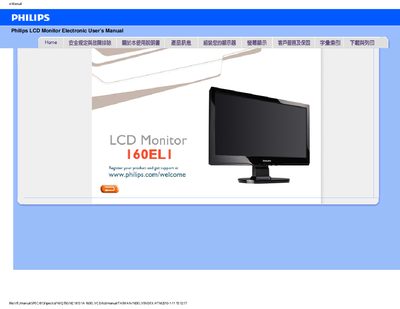
PHILIPS LCD Monitor160ELI Manual
This manual covers safety precautions, proper handling, and environmental requirements for the Philips 160ELI LCD monitor. It explains how to connect power, avoid direct sunlight, keep ventilation clear, and protect the screen from impact and moisture.
The document also includes a FAQ section with common issues such as video mode errors, resolution adjustment, refresh‑rate information, and cleaning instructions, plus a download guide for the driver installation package. This manual is written in Chinese.
Philips 160ELI specifications
| Recommended resolution | 1366 x 768 |
|---|---|
| Refresh rate | 60 Hz |
| Operating temperature range | 0‑40 °C |
| Relative humidity range | 20‑80 % RH |
| VESA mounting | 4‑hole VESA pattern |
Source: Philips 160ELI LCD user manual
All Philips 160ELI documents by type
Day-to-day operation, settings and troubleshooting. Start here if the product is already set up.
Questions answered in these manuals
How can I reset the monitor to its factory settings?
Press the MINU button and select Reset to restore all settings to the factory defaults.
Can the Philips 160EL1 monitor be wall‑mounted?
Yes, the monitor has a standard 4‑hole VESA mounting pattern on the back for wall or bracket installation.
What should I do if the monitor shows "Cannot display this video mode"?
Set the display resolution to 1366 × 768 at 60 Hz, then reconnect the monitor and power cycle it.
How can I adjust the monitor's resolution?
Open Windows Display Properties and select the desired resolution from the list.