
Key facts
- Brand
- Panasonic
- Model
- RR-US550
- Industry
- Electronics
- Documents
- 2
- Languages
- EN
- Last added
- 2012-07-03
Start here
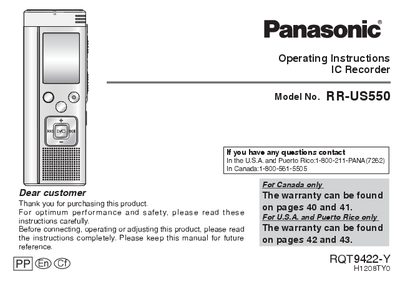
Panasonic RR-US550 IC Recorder Operating Instructions
This manual provides operating instructions for the Panasonic RR-US550 IC Recorder. It details how to insert batteries, set the clock, and turn the power on or off using the OPERATION/HOLD switch. The device supports various recording functions including Zoom microphone, different sensitivity levels, and multiple recording modes (XP, LP, SLP) to suit lessons, lectures, meetings, and dictation.
Read onlineAll Panasonic RR-US550 documents by type
Day-to-day operation, settings and troubleshooting. Start here if the product is already set up.
Questions answered in these manuals
How do I turn off the power?
Slide and hold the OPERATION/HOLD switch to the OPA side for 2 seconds.
What does the HOLD function do?
It ignores button operations to prevent mistakes like stopping recording midway.
Is Zoom recording available in stereo mode?
No, Zoom recording is not available when the recording mode is stereo.
From: panasonic RR-US550 IC Recorder Operating Instructions1
What is the maximum number of files that can be stored in each folder?
A maximum of 99 files can be stored in each folder.
From: panasonic RR-US550 IC Recorder Operating Instructions1