
Key facts
- Brand
- Panasonic
- Model
- UB-8325
- Category
- Other Electronics
- Industry
- Electronics
- Documents
- 2
- Languages
- EN · ZH
- Last added
- 2012-08-08
Start here
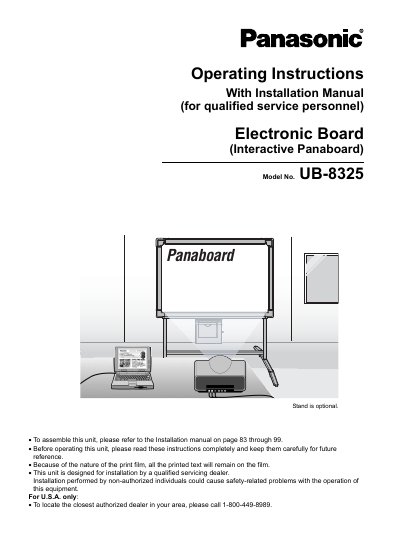
Panasonic UB-8325 Interactive Panaboard Operating Instructions
This manual provides operating instructions for the Panasonic UB-8325 Electronic Board (Interactive Panaboard). It details the accessories included, safety precautions, and the two primary interactive functions: Projector mode and Whiteboard mode. The document explains how to use the Electronic Pen and Electronic Eraser to interact with projected images or display information on a computer in real-time.
Read onlinePanasonic UB-8325 specifications
| Copy capability | up to 9 copies per screen |
|---|---|
| Contrast levels | 2 level contrast |
| Screen printing | 2-screens at the time |
Source: Panasonic UB-8325 Interactive Panaboard Operating Instructions
All Panasonic UB-8325 documents by type
Day-to-day operation, settings and troubleshooting. Start here if the product is already set up.
Questions answered in these manuals
What are the two interactive functions of the UB-8325?
The unit is equipped with Projector mode and Whiteboard mode in addition to a regular electronic board function.
From: Panasonic UB-8325 Interactive Panaboard Operating Instructions
How is the Electronic Pen used in Projector mode?
The Electronic Pen with its cap on is used to operate the computer as a mouse.
From: Panasonic UB-8325 Interactive Panaboard Operating Instructions
Who is qualified to install this electronic scan board?
The unit is designed for installation by qualified service dealers only.
How many copies can be made on a single screen?
Up to 9 copies can be printed on each screen.