
This is a user manual for RQT9422-Y H1208TY0. It introduces the features and characteristics of the product.
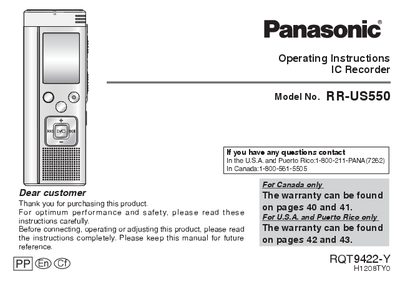
This manual provides operating instructions for the Panasonic RR-US550 IC Recorder. It details how to insert batteries, set the clock, and turn the power on or off using the OPERATION/HOLD switch. The device supports various recording functions including Zoom microphone, different sensitivity levels, and multiple recording modes (XP, LP, SLP) to suit lessons, lectures, meetings, and dictation.
| Clock Accuracy | approx. 60 seconds per month |
|---|---|
| Auto Power Off Time | more than approx. 15 minutes |
Slide and hold the OPERATION/HOLD switch to the OPA side for 2 seconds.
It ignores button operations to prevent mistakes like stopping recording midway.