
Key facts
- Brand
- Panasonic
- Model
- DMP-BD75
- Industry
- Electronics
- Documents
- 2
- Languages
- ZH
- Last added
- 2012-08-03
Start here
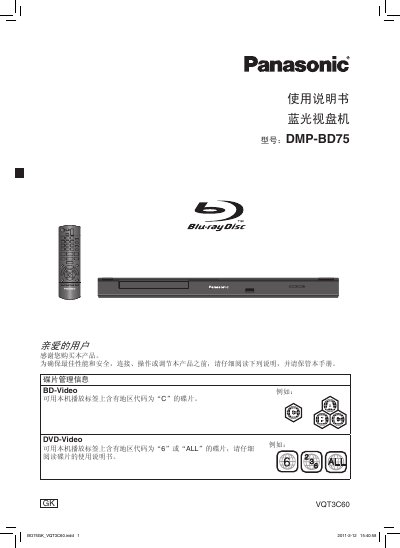
Panasonic DMP-BD75 Blu-ray Disc Player User Manual
The manual begins with safety warnings and installation guidelines, advising users to place the player on a flat surface, keep it at least 15 cm from walls, avoid direct sunlight, moisture, and ensure proper ventilation. It also covers power‑line handling, battery replacement for the remote, and disposal instructions.
Subsequent sections describe how to connect the player to a TV or AV receiver via HDMI or analog video, set up network access, operate playback functions, adjust settings, and perform routine maintenance such as cleaning the disc tray and updating firmware. This manual is written in Chinese.
Panasonic DMP-BD75 specifications
| Power Supply | AC 220–240 V, 50/60 Hz |
|---|---|
| Power Consumption | ≈ 12 W |
| Standby Power Consumption | ≈ 0.2 W |
| Dimensions (W×D×H) | 430 mm × 185 mm × 35 mm |
| Weight | ≈ 1.6 kg |
| Operating Temperature Range | +5 °C to +35 °C |
| Operating Humidity Range | 10 % to 80 % RH (no condensation) |
| Laser Wavelengths | 790 nm (CD), 655 nm (DVD), 405 nm (BD) |
| HDMI Output Connector | Type‑A 19‑pin |
| USB Interface | USB 2.0 |
All Panasonic DMP-BD75 documents by type
Day-to-day operation, settings and troubleshooting. Start here if the product is already set up.
Questions answered in these manuals
How can I reset the player to factory settings?
Select the “Reset to factory settings” option in the menu, which restores all user settings to their original defaults.