
Key facts
Start here
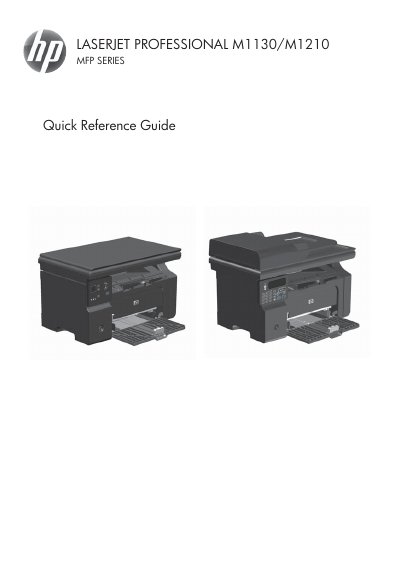
HP LaserJet Professional M1130/M1210 MFP Series Quick Reference Guide
The document serves as a Quick Reference Guide for the HP LaserJet Professional M1130/M1210 Multi-Function Printer (MFP) series. It provides step-by-step instructions for users to perform common tasks via Windows software or the device control panel.
Key operational topics covered include printing on special media such as labels and transparencies, performing manual duplex printing, creating booklets, adjusting copy reduction or enlargement, changing copy quality settings, managing a fax phonebook, and sending faxes from both the flatbed scanner and document feeder.
HP M1130 specifications
| Input tray capacity | Up to 150 sheets of 60 g/m2 (16 lb) bond |
|---|---|
| Output bin capacity | Up to 100 sheets of 75 g/m2 (20 lb) bond |
| Document feeder capacity | Up to 35 sheets |
Source: HP LaserJet Professional M1130/M1210 MFP Series User Guide
All HP M1130 documents by type
Day-to-day operation, settings and troubleshooting. Start here if the product is already set up.
- HP LaserJet Professional M1130/M1210 MFP Series User Guide 294 p
- HP LaserJet Professional M1130/M1210 MFP Series Quick Reference Guide 18 p
- HP LaserJet Professional M1130/M1210 MFP Series Software Technical Reference 194 p
- HP LaserJet Professional M1130/M1210 MFP Series User Guide 264 p
- HP LaserJet Professional M1130/M1210 User Manual 260 p
- HP LaserJet Professional M1130/M1210 MFP Series User Guide 278 p
The shortest path to a working setup, usually only a few pages.
Questions answered in these manuals
What paper types are supported in the input tray?
The input tray supports bond paper, envelopes, and transparencies within specific weight ranges.
From: HP LaserJet Professional M1130/M1210 MFP Series User Guide
What causes vertical streaks on printed pages?
Vertical streaks may be caused by a defective print cartridge or dirty media guides.
From: HP LaserJet Professional M1130/M1210 MFP Series User Guide
What is the maximum paper capacity of the document feeder?
The document feeder can hold up to 35 sheets of 75 g/m2 or 20 lb media.
From: HP LaserJet Professional M1130/M1210 MFP Series Quick Reference Guide
What items should not be placed in the document feeder to prevent damage?
Do not use originals with correction tape, correction fluid, paper clips, or staples.
From: HP LaserJet Professional M1130/M1210 MFP Series Quick Reference Guide
Which printer series does this manual cover?
The HP LaserJet Professional M1130/M1210 MFP Series.
From: HP LaserJet Professional M1130/M1210 MFP Series Software Technical Reference
Is the Embedded Web Server available for all models?
No, it is only available for the M1210 Series.
From: HP LaserJet Professional M1130/M1210 MFP Series Software Technical Reference