
Key facts
- Brand
- HP
- Model
- LC4272N
- Category
- Television
- Documents
- 2
- Languages
- EN
- Last added
- 2012-06-04
Start here
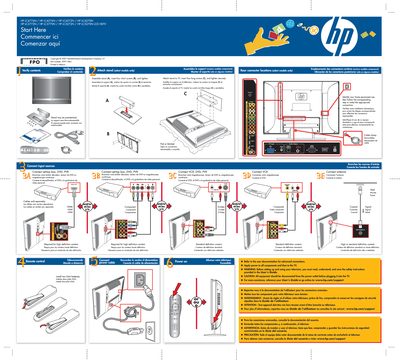
HP LCD HDTV (LC4776N etc.) Quick Start Setup Guide
Quick Start Guide 1 pages · 1.5 MB · EN
This quick‑start guide provides step‑by‑step instructions for assembling the stand, connecting input sources and applying power to HP LCD HDTVs. It includes safety warnings and notes on required accessories.
The poster is multilingual (English, French, Spanish) and lists optional cables (HDMI, S‑Video) as sold separately, as well as the remote’s requirement for two AAA batteries.
All HP LC4272N documents by type
Quick Start Guide 1
The shortest path to a working setup, usually only a few pages.
Questions answered in these manuals
How do I assemble the stand?
Attach the stand, insert four short screws (B) and four long screws (C), then tighten securely.
Are HDMI cables included?
No, HDMI cables are sold separately.