
This is the user guide for HP LaserJet Professional M1130/M1210 MFP series, which introduces the features and characteristics of the product, including product comparison, environmental features, product functions, product views, control panel menus, Windows software, using the product with Mac and more
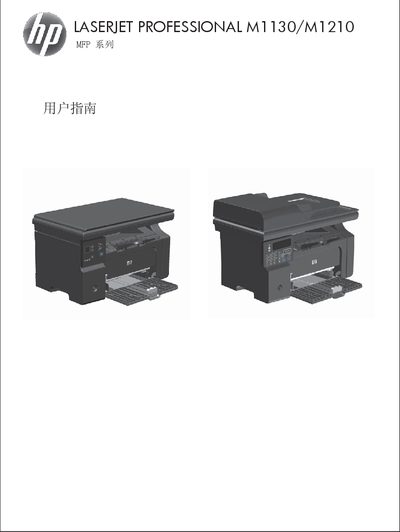
This manual covers all aspects of the HP LaserJet Professional M1130/M1210 series, including product basics, control panel functions, and supported software for Windows and Mac. It also details how to connect the printer to networks, USB, and other devices.
Additional sections explain paper handling, print settings, copying, scanning, fax (M1210 only), and troubleshooting. Appendices provide consumables information, service support, technical specifications, and regulatory details. This manual is written in Chinese.
Use the menu option “更改默认纸张尺寸设置( M1130 系列)” to adjust the default paper size.
The printer supports a variety of paper and print media as described in the guide, and only HP‑branded laser‑compatible media is recommended.
Yes, the M1210 series includes fax functionality with dedicated setup and configuration sections.
Technical specifications are listed in Appendix C under “功耗、电气规格和噪声发射”.