
This document provides the user guide for HP LaserJet Professional M1130/M1210 MFP Series, describing the features and characteristics of the products.
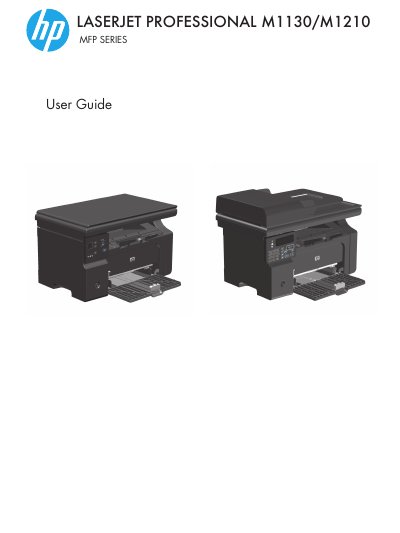
The document serves as a comprehensive manual for the HP LaserJet Professional M1130 and M1210 series of Multifunction Printers (MFP). It covers product basics, control panel navigation, and setup procedures for both Windows and Mac operating systems. The guide details how to connect the device via USB or network, manage paper trays, and configure print settings.
| Input tray capacity | Up to 150 sheets of 60 g/m2 (16 lb) bond |
|---|---|
| Output bin capacity | Up to 100 sheets of 75 g/m2 (20 lb) bond |
| Document feeder capacity | Up to 35 sheets |
The input tray supports bond paper, envelopes, and transparencies within specific weight ranges.
Vertical streaks may be caused by a defective print cartridge or dirty media guides.