
This document is the user guide for the HP LaserJet Professional M1130/M1210 MFP series printers, describing the features and characteristics of the products.
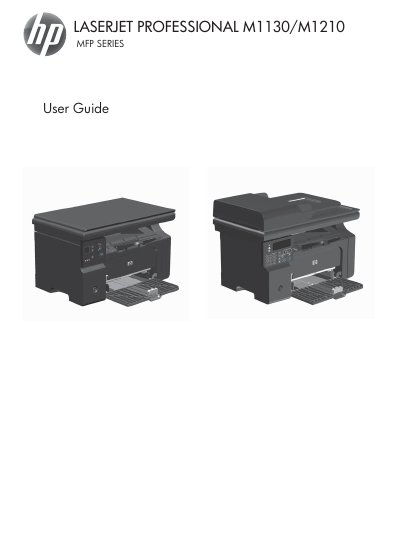
This guide covers everything you need to get the HP LaserJet Professional M1130/M1210 MFP Series up and running, including product basics, environmental features, control‑panel layout, and software installation for Windows and Mac. Detailed sections explain how to load paper, configure print settings, use copy, scan, and fax functions, and maintain the device.
The manual also includes extensive troubleshooting information, media‑type specifications, and instructions for cleaning and servicing the printer. Reference tables list supported paper weights, tray capacities, and media types, helping you choose the right supplies for optimal performance.
| Input tray capacity | 150 sheets of 60 g/m² (16 lb) bond |
|---|---|
| Output bin capacity | Up to 100 sheets of 75 g/m² (20 lb) bond |
| Supported paper weight range | 60 g/m² (16 lb) to 163 g/m² (43 lb) bond |
The input tray can hold up to 150 sheets of 60 g/m² (16 lb) bond paper.
The printer supports paper weights from 60 g/m² (16 lb) up to 163 g/m² (43 lb) bond.