
This document describes the usage of LASERJET PROFESSIONAL M1130/M1210 MFP series printers on Windows operating system, including printing on special paper, labels or transparency films, manually performing double-sided printing, creating booklets, etc.
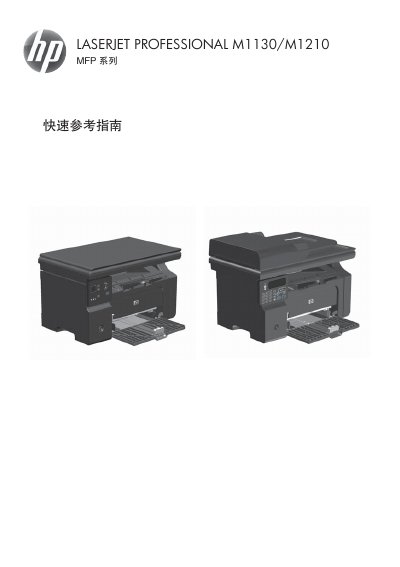
This document serves as a quick reference guide for the HP LaserJet Professional M1130 and M1210 Multi-Function Printer (MFP) series. It provides step-by-step instructions for users operating the device via Windows software. This manual is written in Chinese.
The document feeder can hold up to 35 sheets of 75 g/m2 or 20 lb media.
Do not use originals with correction tape, correction fluid, paper clips, or staples.