
Key facts
Start here
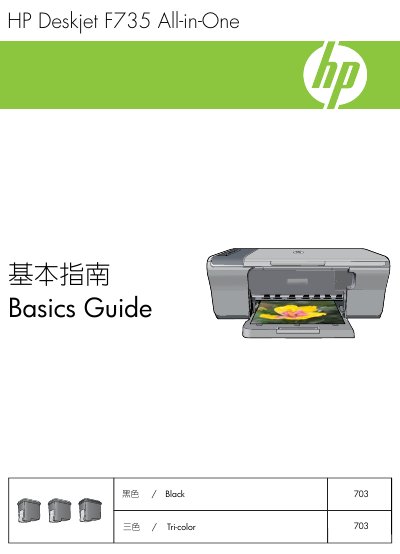
HP Deskjet F735 All-in-One 703 703 Basics Guide
The HP Deskjet F735 All-in-One is a multifunction device capable of printing, scanning, and copying. This guide introduces the physical components of the unit, including the control panel buttons and status indicator lights, explaining their functions and meanings for normal operation and error states.
The document provides step-by-step instructions for loading paper, performing copies, and scanning documents to a computer. It also includes a troubleshooting section addressing common issues such as software installation problems, hardware setup errors, paper jams, and ink cartridge faults. This manual is written in Chinese.
HP F735 specifications
| Input tray capacity | Up to 80 plain paper sheets (65-90 gsm) |
|---|---|
| Output tray capacity | Up to 50 plain paper sheets (65-90 gsm) |
| Height | 161.5 mm (6.36 inches) |
| Width | 437.5 mm (17.22 inches) |
| Weight | 4.9 kg (10.8 pounds) |
All HP F735 documents by type
Day-to-day operation, settings and troubleshooting. Start here if the product is already set up.
Questions answered in these manuals
What does the 'Check Print Cartridge' light indicate?
It indicates that a specified print cartridge needs to be reinserted or replaced, or that the plastic strip has not been removed.
When does the 'Restart' light flash?
The Restart light flashes when the printer is out of paper or has a paper jam.
What should I do if Windows shows the "Add Hardware" screen?
Cancel all screens, unplug the USB cable, and then insert the software CD to continue the installation.
How do I connect the printer to my computer?
Connect one end of the USB cable to the printer’s rear port and the other end to any USB port on the computer.