
This document provides instructions on how to print on special paper, labels, or transparencies using Windows, as well as how to manually print on both sides (duplex) and create a booklet.
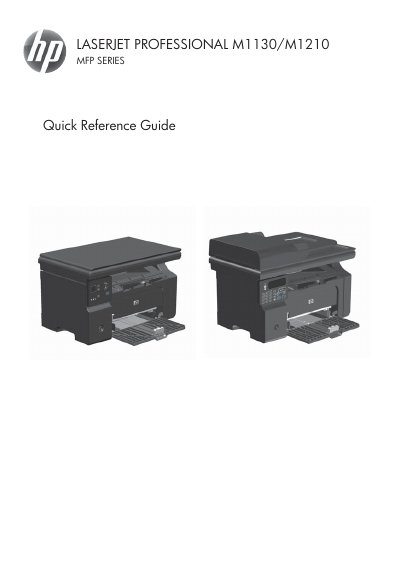
The document serves as a Quick Reference Guide for the HP LaserJet Professional M1130/M1210 Multi-Function Printer (MFP) series. It provides step-by-step instructions for users to perform common tasks via Windows software or the device control panel.
Key operational topics covered include printing on special media such as labels and transparencies, performing manual duplex printing, creating booklets, adjusting copy reduction or enlargement, changing copy quality settings, managing a fax phonebook, and sending faxes from both the flatbed scanner and document feeder.
The document feeder capacity is up to 35 sheets of 75 g/m2 or 20 lb media.
Do not use originals containing correction tape, fluid, paper clips, or staples. Also avoid photographs, small originals, or fragile originals.