
This document is the user guide for the HP LaserJet Professional M1130/ M1210 MFP series printers. It provides information on the basic features and functions of the printers, product comparisons, environmental features, and control panel menus.
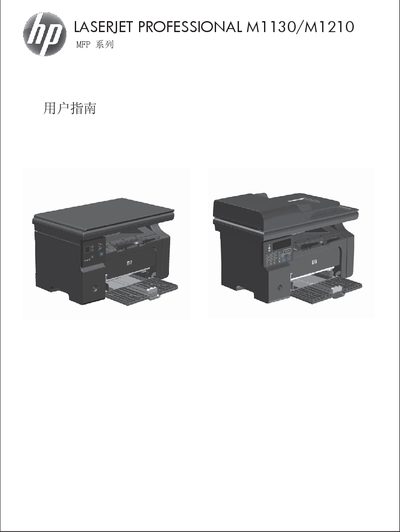
This guide covers the HP LaserJet Professional M1130/M1210 multifunction printer, describing its hardware layout, control panel, and basic specifications. It explains how to install the device, connect it to Windows or Mac systems, and configure network or USB connections.
Detailed sections walk through paper handling, supported media, print job settings, copying, scanning, and fax (M1210 only), as well as troubleshooting tips and service information. The manual includes step‑by‑step procedures for changing default paper settings, adjusting print quality, and using HP software tools. This manual is written in Chinese.
| Supported paper weight | 60 g/m² – 163 g/m² |
|---|---|
| Default paper size setting (M1130) | adjustable via menu |
| Default paper type setting (M1130) | adjustable via menu |
| Recommended paper type | HP brand laser‑printer paper |
Use HP brand paper that is designed for laser or multifunction printers; avoid inkjet‑type paper.
Select the menu option to change the default paper size settings for the M1130 series.
Only the M1210 series includes fax capabilities; the M1130 does not have fax functions.