
Key facts
Start here
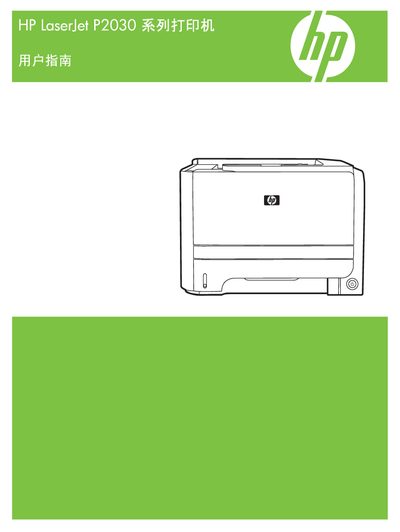
HP LaserJet P2030 Series Printer User Manual
This manual covers everything you need to install and configure the HP LaserJet P2030 series printer, including hardware setup, driver installation for Windows and Macintosh, and network connectivity options. It also explains how to load paper, replace consumables, and perform routine maintenance.
Additional sections provide troubleshooting tips, specifications, and compliance information such as Energy Star certification. The document is organized with clear headings for Settings, Networking, USB connections, and operating‑system support.
HP P2030 specifications
| Print speed | 30 ppm (letter/A4) |
|---|---|
| Processor | 266 MHz |
| Memory | 16 MB |
| Print resolution | 600 x 600 dpi |
| Paper tray capacity | 250 sheets |
| Weight | 10.7 kg |
All HP P2030 documents by type
Day-to-day operation, settings and troubleshooting. Start here if the product is already set up.
Questions answered in these manuals
How fast does the HP LaserJet P2030 print?
It can print up to 30 pages per minute in letter/A4 size.
What connectivity options are available?
The printer supports USB 2.0, 10/100 Ethernet, and a parallel port.
Which operating systems are supported by the HP LaserJet P2030?
The printer supports Windows XP, Windows Vista, Windows 7, Windows 8, and Macintosh computers.
Is the HP LaserJet P2030 Energy Star certified?
Yes, the HP LaserJet P2030 carries Energy Star certification.