
This manual provides user instructions, troubleshooting tips, warranty information, and technical details for the HP ENVY Photo 7800 All-in-One printer.
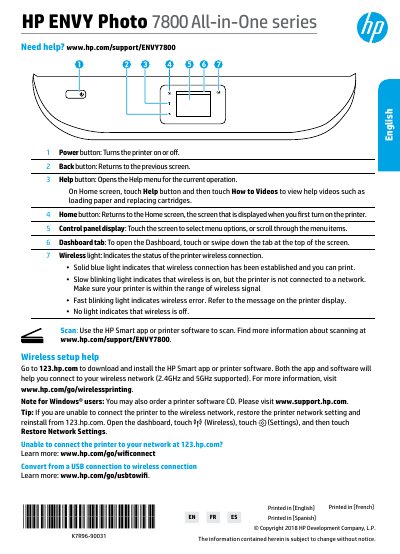
This document serves as the user guide for the HP ENVY Photo 7800 All-in-One printer. It covers essential operations including power button usage, control panel navigation, and dashboard functions. The guide details how to set up wireless connectivity, convert from USB to wireless, and share the printer on a network.
The wireless light indicates the status: a solid blue light means the connection is established, while a slow blinking light means wireless is on but not connected to a network.
Touch the Power button to turn the printer on.
A solid blue light indicates that the wireless connection has been established and you can print.