
Quick start guide for the HP Photosmart 7800 series printer covering unpacking, power connection, print cartridge installation and loading plain paper.
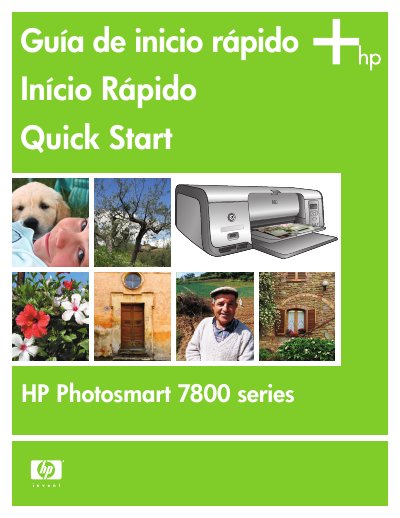
This HP Photosmart 7800 series Quick Start Guide walks through initial printer setup: unpacking the printer and checking box contents, connecting the power supply, turning the printer on, and unfolding the paper trays. It also notes that Windows users should not connect the USB cable until prompted during software installation.
The guide then explains installing the HP Tri-color print cartridge in the left stall and the HP Photo print cartridge in the right stall, followed by loading plain letter paper for print cartridge alignment. The same setup steps are provided in Spanish, Portuguese and English. This manual is written in Spanish.
| USB cable type | USB 2.0 full-speed compliant cable |
|---|---|
| Maximum USB cable length | 3 meters (10 feet) or less |
| Paper for print cartridge alignment | Plain letter paper |
| Left print cartridge stall | HP Tri-color print cartridge |
| Right print cartridge stall | HP Photo print cartridge |
HP recommends a USB 2.0 full-speed compliant cable that is 3 meters (10 feet) or less in length.
No. Windows users should not connect the USB cable until prompted during software installation.
The HP Photo print cartridge is installed in the right stall.
A few sheets of plain letter paper are placed in the Main tray.