
This is a high-end scanner that can scan various paper documents into digital files. It supports single-sided and double-sided scanning, and the single-sided scanning speed can reach 25 pages per minute, and the double-sided scanning speed can reach 50 pages per minute. This scanner also supports multiple file formats, including PDF, TIFF, JPEG, and Microsoft Word.
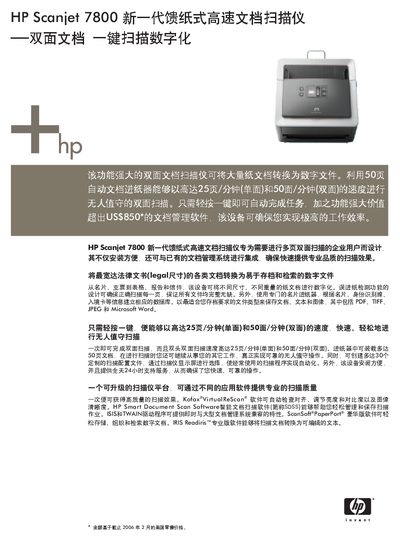
The HP Scanjet 7800 is a high‑speed, duplex document scanner designed for enterprise use. It features a 50‑page automatic document feeder, up to 25 pages per minute single‑sided (50 pages per minute double‑sided) scanning speed, and supports a wide range of document sizes from legal to ID cards.
The manual covers installation, scanning settings, supported software (HP Smart Document Scan Software, Kofax VirtualReScan, etc.), technical specifications, safety compliance, and warranty information. It also lists compatible operating systems and connectivity details. This manual is written in Chinese.
| Optical resolution | up to 1200 dpi |
|---|---|
| Scanning speed | up to 25 ppm (single‑sided) / 50 ppm (double‑sided) |
| ADF capacity | 50 pages |
| Color depth | 48‑bit |
| Interface | USB 2.0 high‑speed |
| Power consumption | max 35 W |
| Weight | 5.4 kg |
It can scan up to 25 pages per minute in single‑sided mode and 50 pages per minute in double‑sided mode.
The ADF can hold up to 50 pages.
Supported OS include Windows 8, Windows 98 SE, Windows 2000, Windows Me, Windows XP Home, Windows XP Professional and Windows XP Professional x64.
It connects via a high‑speed USB 2.0 interface.