
This document is a user manual for HP OFFICEJET 4500 G510, which introduces the features and characteristics of the product
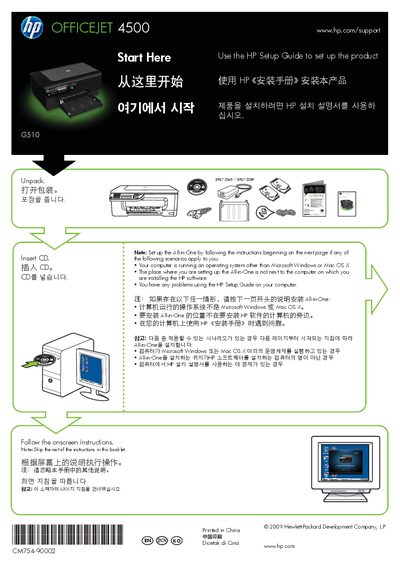
The guide walks you through unpacking the printer, selecting the control‑panel language and location, and loading paper correctly. It also covers cartridge alignment and how to install the HP software on Windows or Mac OS X.
Additional sections explain USB connection timing, using the fax feature, and registering the product online for support and service alerts.
Insert unused, plain, white A4 or letter‑size paper, print‑side down, along the right edge of the main tray and adjust the guides to the paper size.