
This HP OfficeJet 4500 G510 Getting Started Guide covers unpacking, setup, paper loading, cartridge alignment, software installation, and network connection.
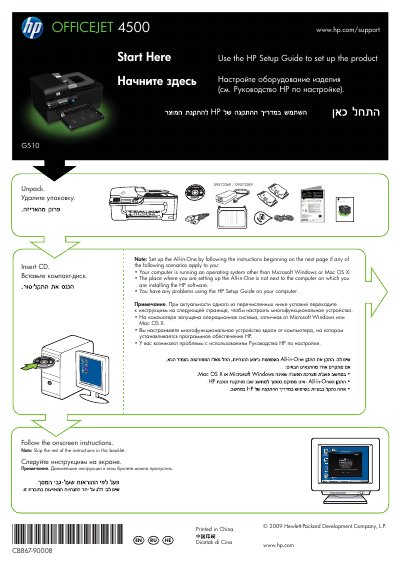
The HP OfficeJet 4500 G510 Getting Started Guide helps users set up the All-in-One printer. It includes steps for unpacking the product, inserting the setup CD, choosing the control panel language and location, and loading paper into the main tray.
The guide also explains how to align the cartridges, install software for Windows or Mac OS X, connect using USB or Ethernet, obtain network information, and register the product at www.register.hp.com.
| Paper size | A4 or letter-size |
|---|---|
| Computer operating systems | Microsoft Windows or Mac OS X |
Press OK, and then press 1 to confirm the selection.
Connect the USB cable, and then install the software.
You can register the product later at http://www.register.hp.com.
Select Print Report > Network Config. on the control panel and press OK.