
HP OfficeJet 4500 G510 installation and getting started guide covering setup, language selection, paper loading, and basic operation.
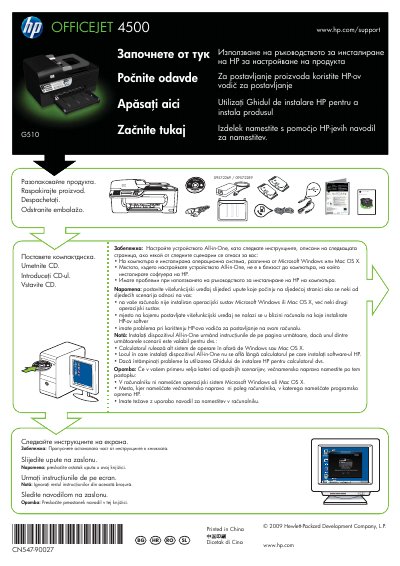
This guide provides step-by-step instructions for setting up the HP OfficeJet 4500 G510 All-in-One printer. It begins with unpacking and language/region configuration on the control panel, followed by installing the printhead and aligning cartridges. The document then walks through software installation via CD or download from HP support, and concludes with registration and basic operation notes.
When prompted, press OK to print the alignment page, then place the printed page face down on the scanner glass and press OK to scan it; the alignment is complete after scanning.
The product is an HP All-in-One device.
Use unused plain white paper with the print side down and the top edge aligned to the bottom edge of the main tray.