
HP Officejet 4500 (G510) All-in-One Series User Guide. Describes the features and characteristics of the product.
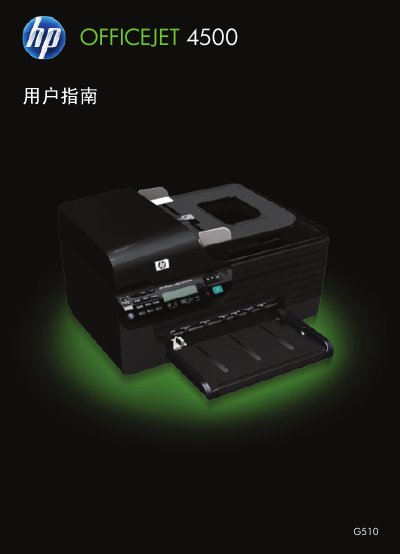
This document serves as the user guide for the HP Officejet 4500 (G510) All-in-One Series. It covers essential topics including getting started with the device, understanding its components and control panel, and selecting appropriate print media.
The guide details procedures for printing documents, photos, and web pages on various paper types, as well as scanning originals using the glass or automatic document feeder (ADF). It also explains how to copy documents and send/receive faxes via telephone or network. Additionally, it provides instructions for ink cartridge maintenance, cleaning, and replacement. This manual is written in Chinese.
| Product Name | Officejet 4500 (G510) |
|---|---|
| Copyright Year | 2009 |
Yes, you should use the scanner glass to scan or copy documents containing pages that do not meet the requirements listed in the media tips.
If the device is unresponsive, check for error messages on the control panel display and refer to the troubleshooting section.