
This document is a quick installation guide for the DWA-130 wireless adapter, which provides information on pre-installation preparation, installation steps, and the usage of the adapter's operation modes and configuration profiles.
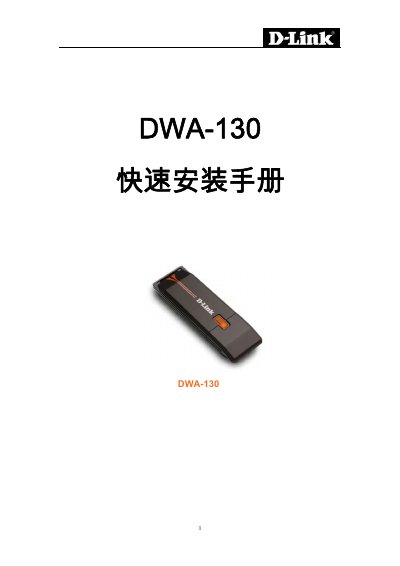
The D-Link DWA-130 Quick Installation Guide provides step‑by‑step instructions for setting up the USB wireless adapter on Windows computers.
It covers driver installation from the supplied CD, switching between station and access‑point modes, configuring network profiles, and basic troubleshooting tips. This manual is written in Chinese.
| Interface | USB 2.0 |
|---|---|
| Supported Operating Systems | Windows 7, Vista, 2000 (SP4), XP (SP2) |
| Processor Requirement | 300 MHz |
| Minimum Memory | 64 MB RAM |
| Wireless Standards | 802.11n draft or 802.11g |
| LED Indicator | LED stays on when installed correctly |
Click the mode switch (M) to toggle the adapter between station mode and access‑point (personal hotspot) mode.
The adapter works with Windows XP (SP2), Windows 2000 (SP4), Windows Vista, and Windows 7.