
Key facts
- Brand
- Brother
- Model
- MFC-5490CN
- Category
- All-in-one printer
- Industry
- Computers
- Documents
- 2
- Languages
- ZH
- Last added
- 2012-04-01
Start here
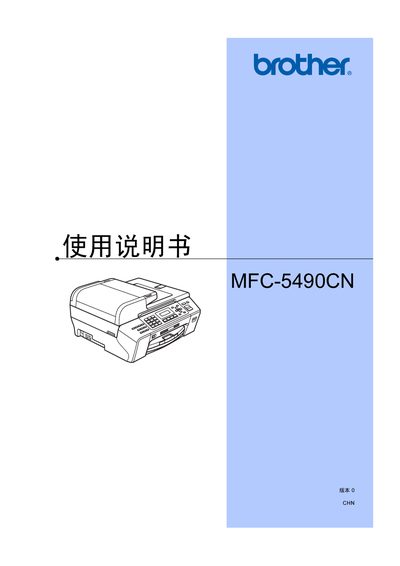
Brother MFC-5490CN All-in-One User Manual
The Brother MFC-5490CN is a multifunction all‑in‑one device that prints, scans, copies and faxes. This user manual provides an overview of the equipment, safety information, and a detailed table of contents covering setup, operation, and maintenance.
It explains how to load paper and media, configure fax and telephone functions, use the scanner and direct‑photo printing, and perform routine troubleshooting and part replacement. This manual is written in Chinese.
Brother MFC-5490CN specifications
| Supported line type | Two‑wire analog PSTN line |
|---|---|
| Fax mode | Black‑and‑white only |
| Recommended ink | Original Brother ink cartridges |
Source: Brother MFC-5490CN User Manual
All Brother MFC-5490CN documents by type
Day-to-day operation, settings and troubleshooting. Start here if the product is already set up.
Questions answered in these manuals
How do I load paper into the device?
Load paper and other media according to the "装入纸张和原稿" instructions.
What does the LCD display when there is no ink?
The LCD shows the message "无法 打印" indicating the cartridge is empty.
Can I use non‑Brother ink cartridges?
The manual advises using only original Brother ink cartridges; using other brands is not recommended and any damage caused is not covered by warranty.
Is the device guaranteed to work outside the country of purchase?
Brother states that the product may not function properly outside the original purchase country and provides no guarantee for such use.