
This manual introduces how to use Brother MFC-5490CN multifunction printer, including loading paper, originals, general settings, security features, fax and so on.
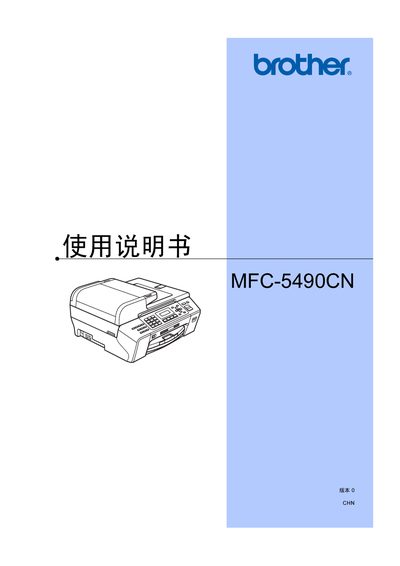
The Brother MFC-5490CN is a multifunction all‑in‑one device that prints, scans, copies and faxes. This user manual provides an overview of the equipment, safety information, and a detailed table of contents covering setup, operation, and maintenance.
It explains how to load paper and media, configure fax and telephone functions, use the scanner and direct‑photo printing, and perform routine troubleshooting and part replacement. This manual is written in Chinese.
Load paper and other media according to the "装入纸张和原稿" instructions.
The LCD shows the message "无法 打印" indicating the cartridge is empty.