
Key facts
- Brand
- Brother
- Model
- FAX-878
- Category
- Fax machine
- Industry
- Computers
- Documents
- 3
- Languages
- ZH · EN
- Last added
- 2026-10-04
Start here
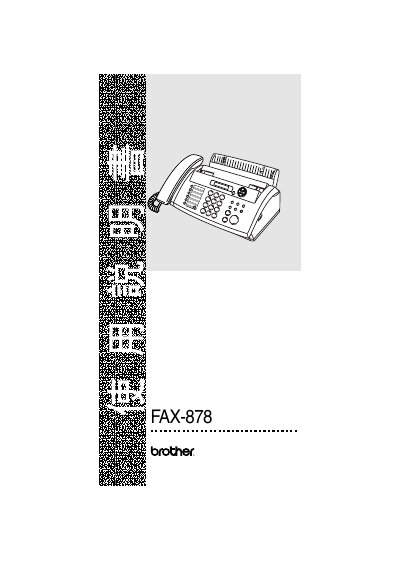
Brother FAX-878 User Manual
This manual for the Brother FAX-878 fax machine includes safety information, installation steps, and detailed operating procedures. It covers functions such as Fax Start, Receive Mode, Search/Mute, and Copy/Report features, with menu navigation instructions.
The document also provides troubleshooting tips, service information, and technical specifications. It is organized with menu/setting tables and reference pages to help users configure and maintain the device effectively.
Brother FAX-878 specifications
| Memory Capacity | 512 KB |
|---|---|
| Power Supply | 220‑240 V AC, 50/60 Hz |
| Standby Power Consumption | < 4.0 W |
| Operating Power Consumption | < 160 W |
| Dimensions (W × D × H) | 193 mm × 271 mm × 302 mm |
| Weight | 2.7 kg |
All Brother FAX-878 documents by type
Day-to-day operation, settings and troubleshooting. Start here if the product is already set up.
Questions answered in these manuals
What type of power source should be used with the fax machine?
The fax machine must be connected to an AC power source; DC power must not be used.
What is the standby power consumption of the device?
In standby mode the device consumes less than 4.0 W.
How do I start a fax transmission?
Select the Fax Start function from the menu (e.g., 4% Fax Start).
How do I make a copy or generate a report?
Choose the Copy/Reports menu item (e.g., Copy/Reports #260).